Content note: Prep systems only. Mature themes in the base game; keep this page about planning UI and inventory hygiene.
Two quiet quality fixes shape how serious runs start in late 2026:
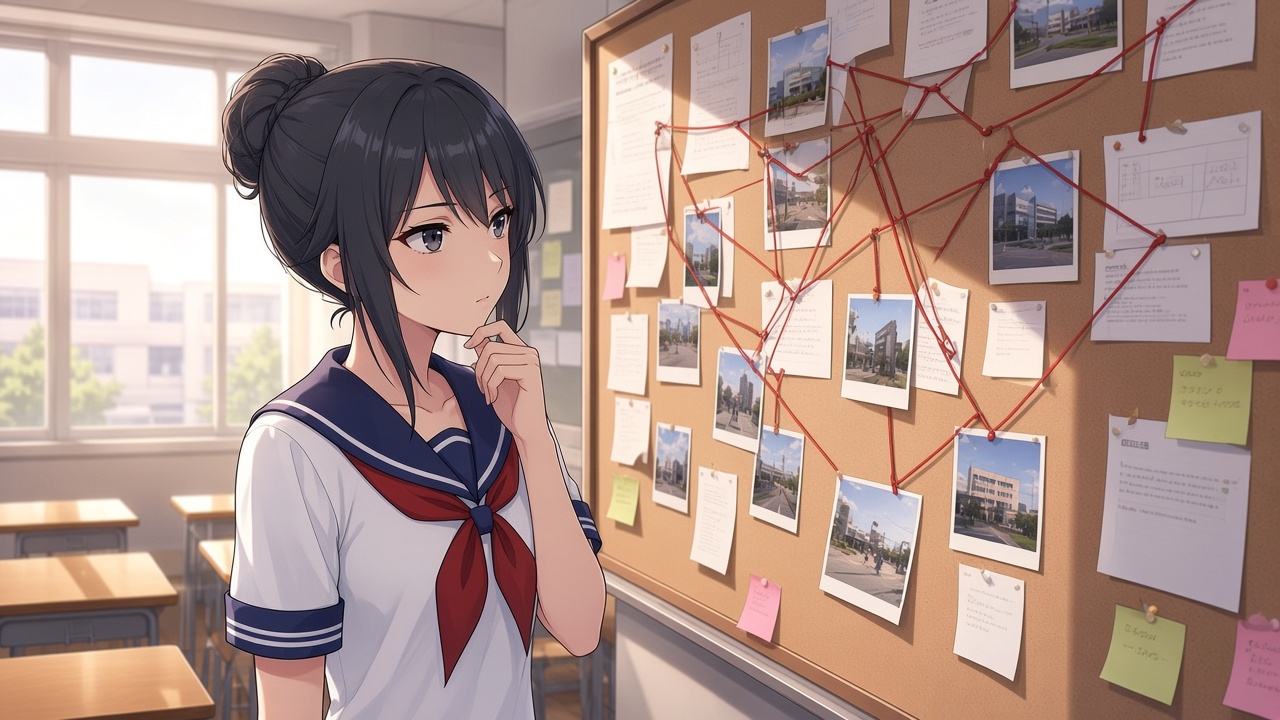
- October 1 — Schemes refactor plus a redesigned corkboard planning cutscene so Ayano’s prep reads clearly.
- November 1 — Hardware carryover bug fixed: if you picked a bring-to-school hardware item, returned to title, loaded a save, then went to school without choosing gear, the previous hardware could still appear. That ghosting is patched.
This guide ties those into one morning ritual: plan on the board, pack on purpose.
Corkboard as a pit stop
Treat the corkboard cutscene as a commit point, not skippable flavor (unless you already know the week cold).
- Confirm which elimination family you are funding with Info Points.
- Note prop/room requirements before you hit the gate.
- Re-open Schemes after the cutscene if Week 2 rows changed with the October refactor (Amai week Schemes).
October 1 mirror: October 1st Update.
Hardware bring list — clean habits
Hardware (tools you elect to bring from home) should match today’s scheme steps—not yesterday’s abandoned idea.
Safe loop after November 1:
- Load the save you mean to play.
- When prompted, consciously pick the hardware for this session—or consciously pick nothing.
- Avoid title → load → school shortcuts that skip the prompt on older mental scripts; the bug is fixed, but the habit still prevents confusion.
- If something you did not choose appears at school on a pre-fix build, update, then repeat from a clean load.
November 1 notes: November 1st Update.
Pairing board + bag
| If the corkboard points to… | Pack mindset |
|---|---|
| Social / gossip heavy day | Light hardware; prioritize phone intel time |
| Prop / tool scheme steps | Bring the listed tool; do not assume statue drops cover it |
| Expel setup day | Leave margin before 3:30; hardware will not reopen counselor hours |
| Practice / scout day | Bring nothing; reduce inventory mistakes while learning routes |
Info-Chan drops behind the statue still matter—read Info-Chan schemes so you do not double-pack items the shop already queues.
Cosmetics vs tools
Custom portraits (CustomPortrait toggle) change how Ayano looks on UI cards. They do not replace hardware selection. Do not troubleshoot a missing tool by flipping portrait flags.
Smoke test after updating
- Watch corkboard once on a fresh Week 2 start.
- Choose hardware A, go to school, confirm it exists.
- Quit to title, load, choose no hardware, confirm A does not ghost in.
- If it ghosts, you are not on the November 1 fix yet—reinstall clean from Download.
Plan on the corkboard, pack once on purpose, then play the day you actually prepared for.